

Albums
More options
 Discuss with Marie
Creating an Album
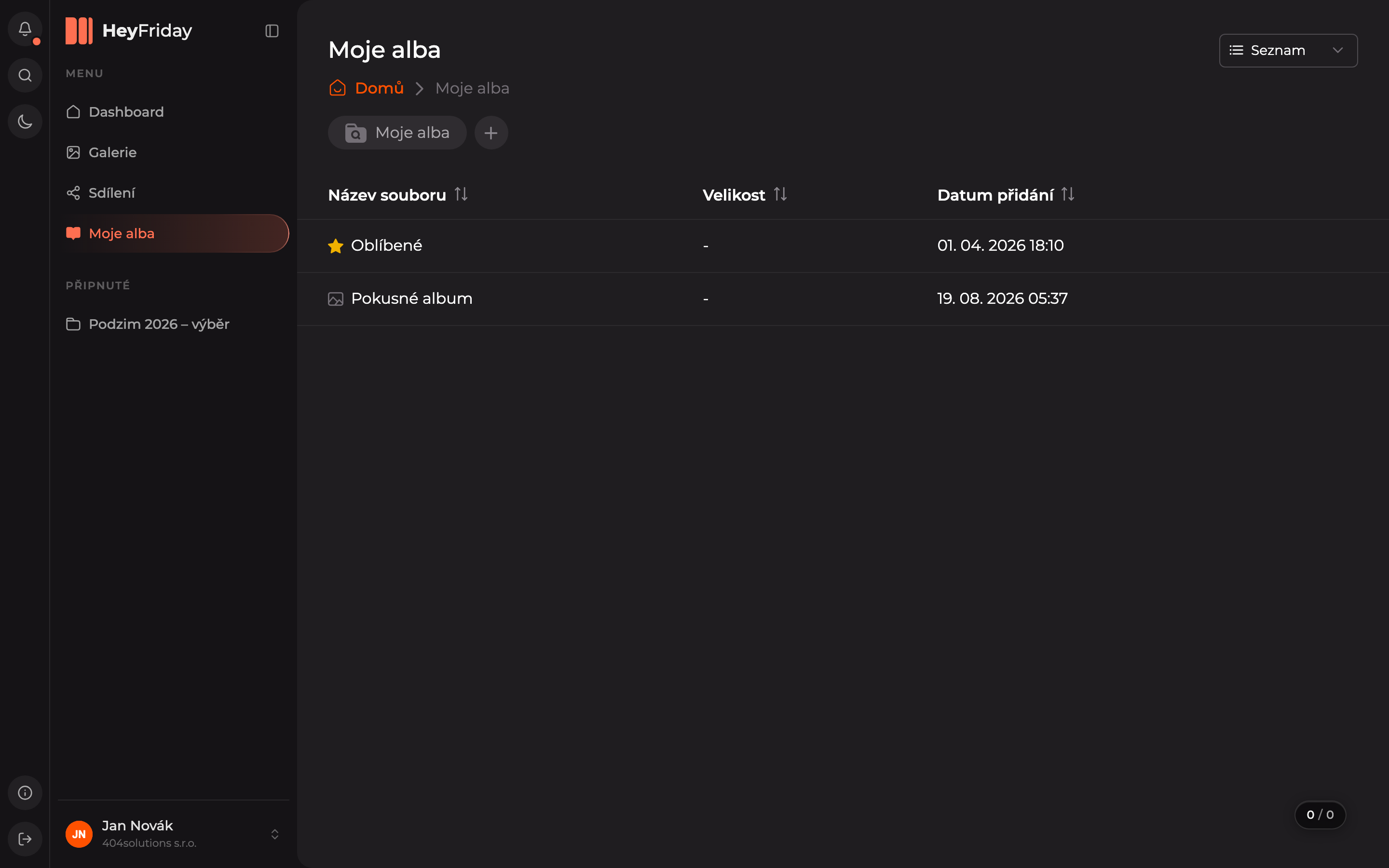
Create a new album on the My Albums page.
Every user has a default album called Favorites. You can create additional albums yourself.
Open My Albums
In the main menu, click on My Albums. You will see a list of your albums.
Click the plus button
Next to the My Albums title, click the + icon.
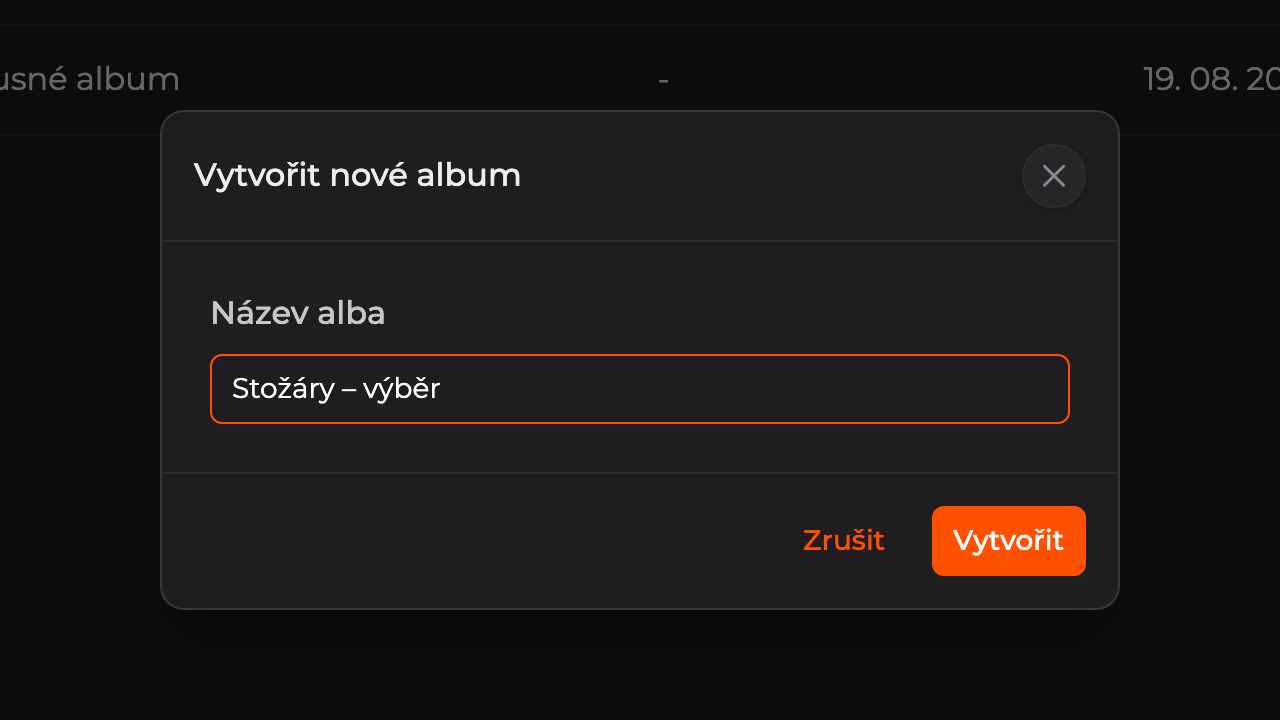
Name the album
Enter the album name in the Album Name field and click Create.
The album will appear in the list. Now add photos to it.
Updated