

Searching
More options
 Discuss with Marie
AI assistant
Ask the AI assistant about photos, users, or anything else in your own words.
The AI assistant understands natural language. Write what you need — for example, “find photos suitable for Christmas cards” — and it will show you the photos directly in the conversation.
Open the assistant
In search, click the first tab Assistant.
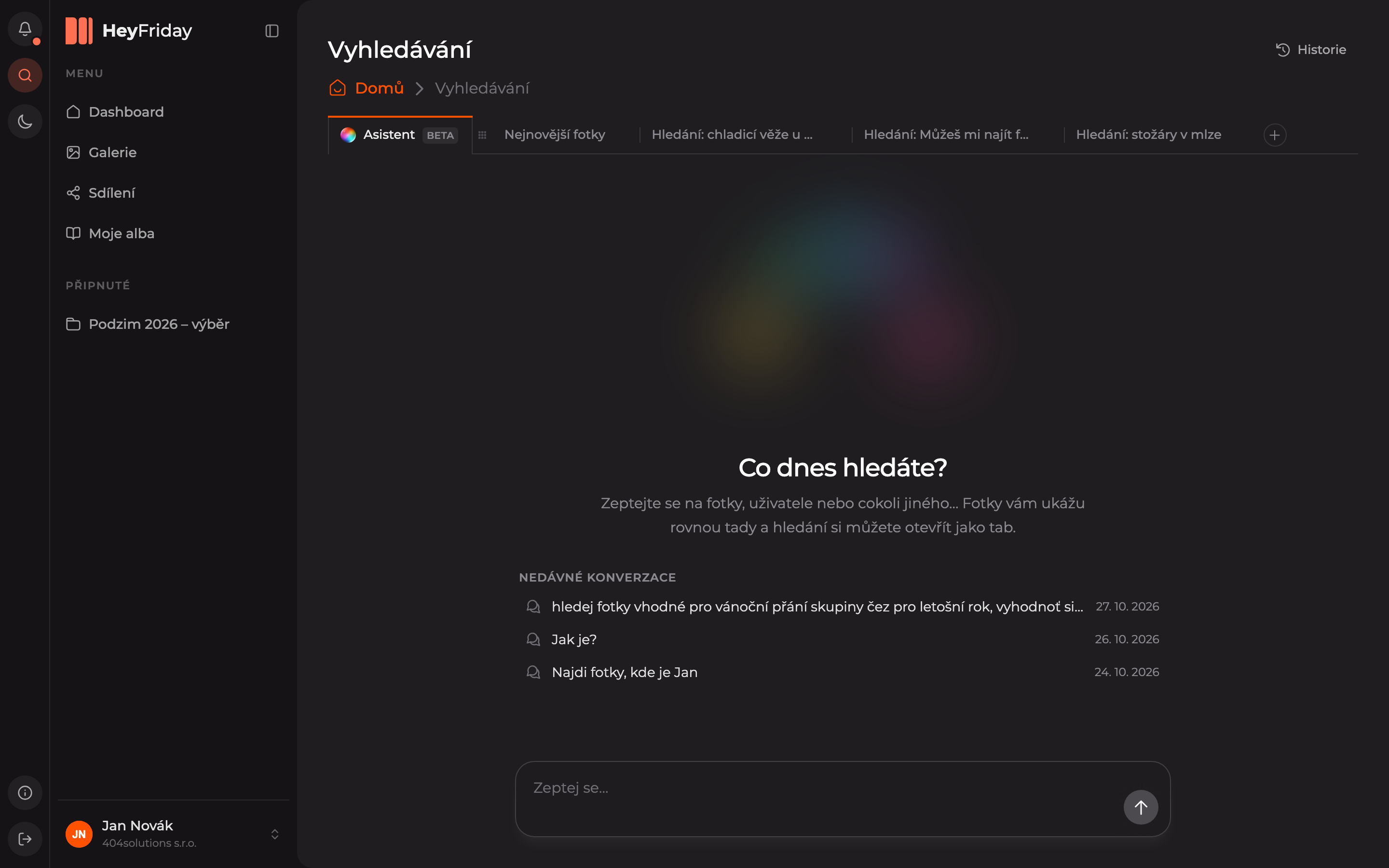
Enter your query
Type your question into the Ask… field at the bottom and send it by clicking the arrow or pressing Enter.
Open results as a tab
The assistant finds photos and shows them directly in the reply: how many it found, what criteria it used, and previews of the first ones. Use the button below the previews to open the search as a separate search tab, where you can browse all results and filter them further.
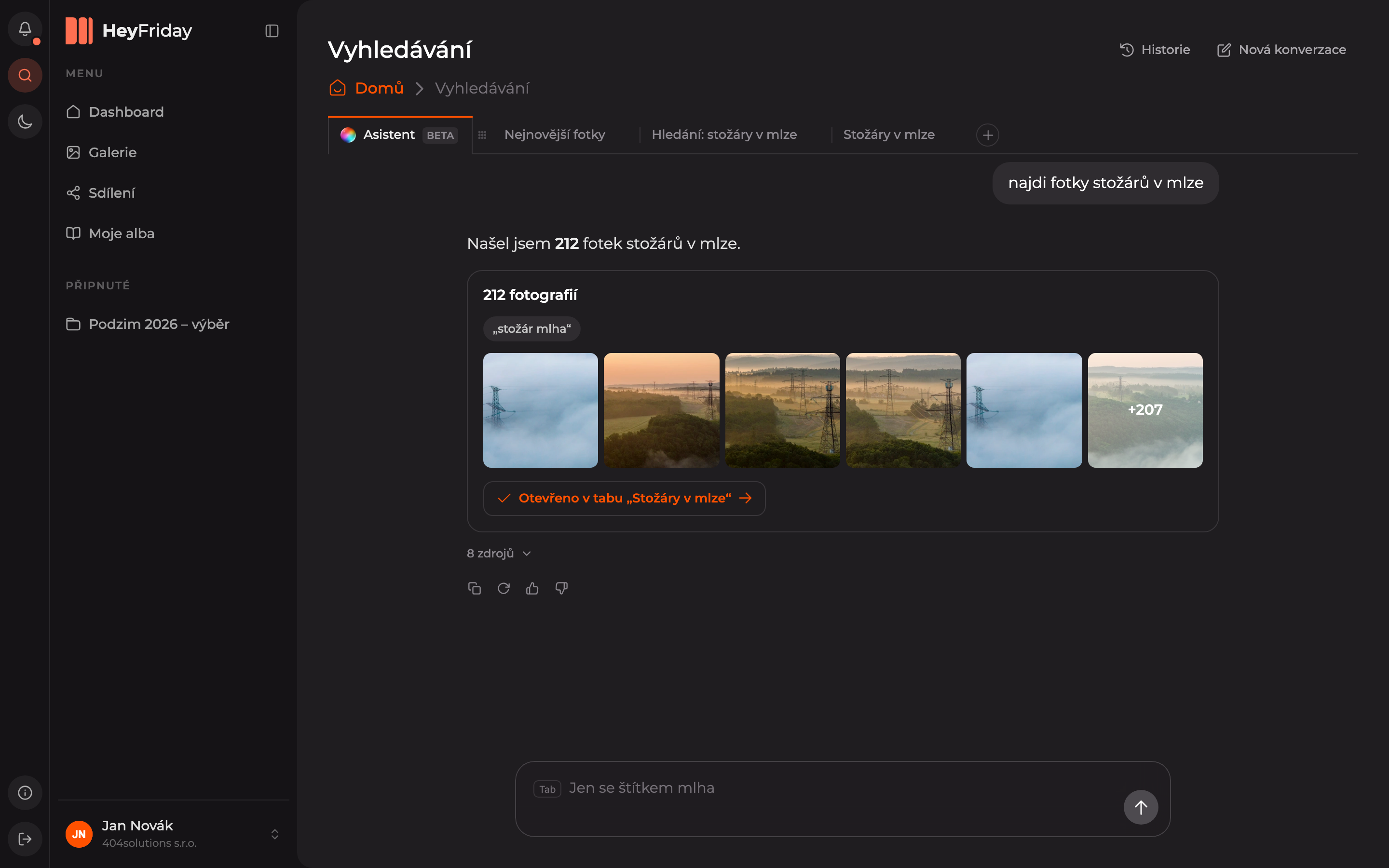
Below the reply, you can copy it, regenerate it, or rate it with a thumbs up or down. In the field below, you can immediately type another query that continues from the previous one — the assistant will suggest completions, for example, “Just with the fog tag” (accept the suggestion with Tab).
Below the welcome message, you see Recent conversations — click a conversation to continue it. All older conversations are available at the top right under History, and you can start a new one with the New conversation button.
Updated