

Gallery and Folders
More options
 Discuss with Marie
Pinning a folder
Pin a frequently used folder to the sidebar menu.
Pin the folder you work with most often. Then you’ll have it in the sidebar menu, no matter where you are in the app.
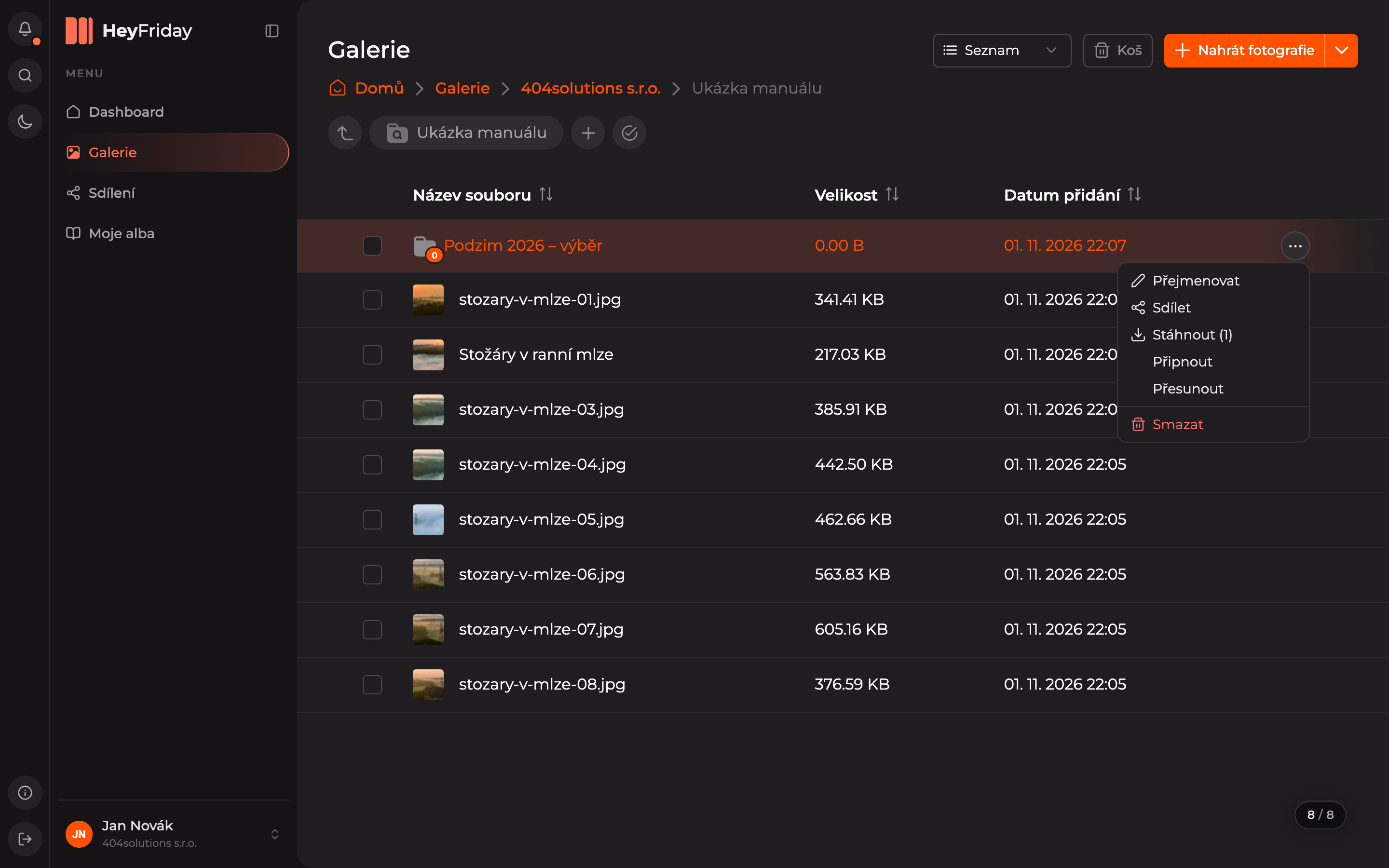
Select Pin
In the gallery, hover over the folder row, click the three dots, and choose Pin.
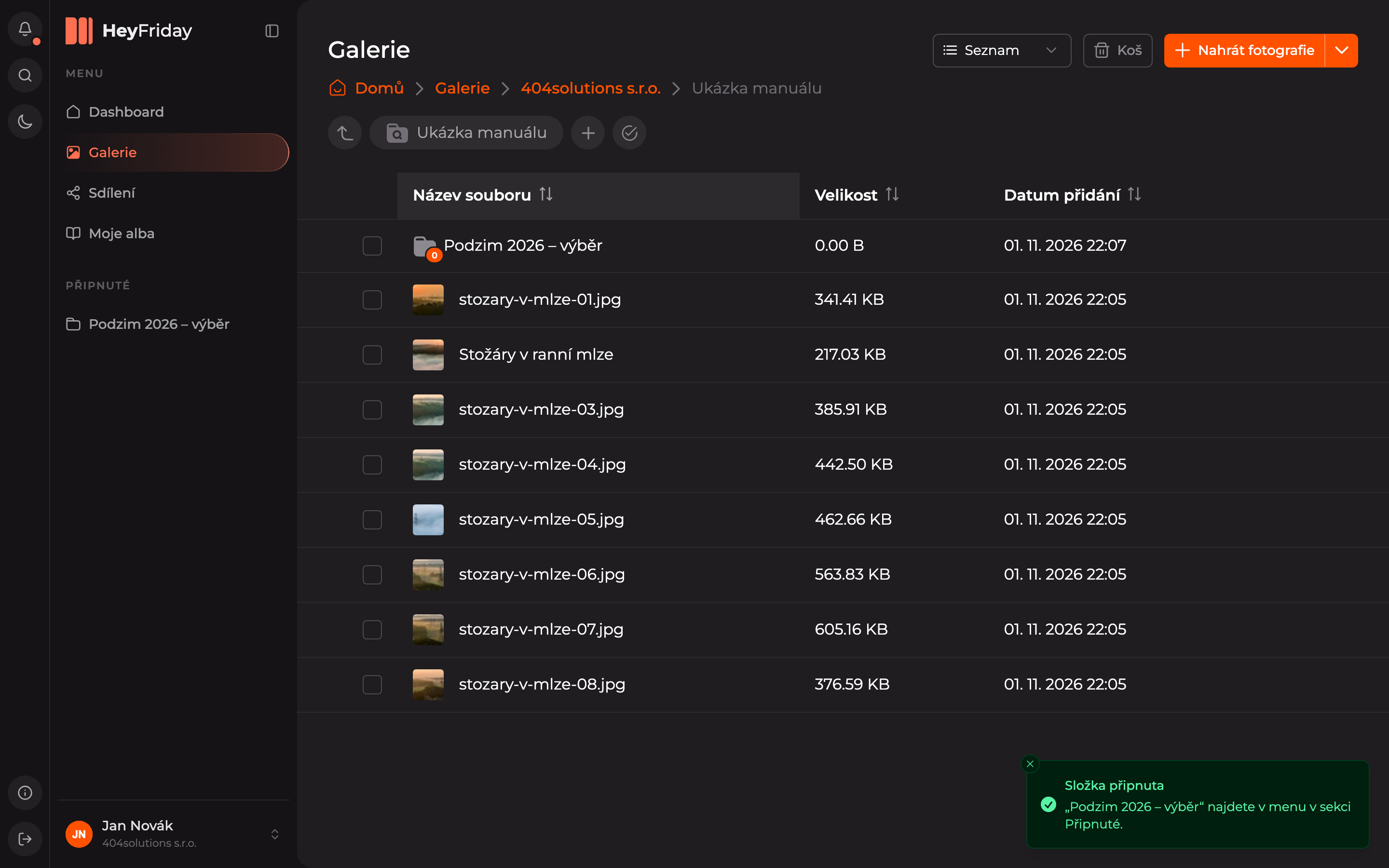
Open the folder from the menu
The folder will appear in the sidebar menu under the Pinned section. Click it anytime to open it.
You can unpin a folder the same way: in its action menu, choose Unpin. You can also pin your own album.
Updated